Managing a field service business often means dealing with information across multiple systems.
Your engineers complete jobs in the field, your office processes the completed work and your accounts team then needs to turn that information into invoices and keep your financial records up to date.
Without integration, this can mean repeatedly entering the same customer and invoice information into different systems.
Jobable's QuickBooks Integration helps connect your field service operation with your QuickBooks account, reducing repetitive administration and helping information move more efficiently from completed jobs into your accounts process.
Connect Jobable with QuickBooks and spend less time on administration.
Book Demo
Jobable manages the operational side of your field service business.
QuickBooks manages your accounting.
Connecting the two helps bridge the gap between your field engineers, office team and accounts processes.
Instead of treating your field service operation and accounting as completely separate systems, Jobable and QuickBooks can work together as part of a connected workflow:
Customer → Job → Engineer → Completed Work → Invoice → Accounts
This helps your team spend less time moving information between systems and more time managing the business.
One of the biggest advantages of integrating Jobable with QuickBooks is reducing repetitive manual data entry.
Without an integration, your team may need to:
Repeating this process across hundreds or thousands of jobs can consume a significant amount of administrative time.
By connecting Jobable with QuickBooks, relevant information can flow through your field service and invoicing processes more efficiently.
Book Demo
Once an engineer has completed a job, the information captured in Jobable can be used to progress the job through your invoicing workflow.
Depending on your setup, this can include information such as:
This helps create a smoother journey from completed field work to your accounting system.
Your engineer completes the work.
Your office processes the job.
QuickBooks handles the accounting.
Maintaining consistent customer information across your field service and accounting systems is important.
Jobable and QuickBooks can work together to reduce the need to repeatedly create or enter customer information in separate systems.
This can help reduce:
Your field service team can concentrate on managing customers and jobs, while your accounts team can focus on the financial side of the business.
Book Demo
Administrative work can quickly become a significant cost for a growing field service business.
Every completed job creates another set of information that needs to be processed.
If your team has to manually copy information from your field service software into QuickBooks, the workload grows as your business grows.
Jobable's QuickBooks integration helps reduce this repetitive work.
That means your team can spend more time on:
and less time re-entering information.
Jobable is designed to manage the complete operational journey of a field service job.
An example workflow could look like this:
Your office or customer books a service visit through Jobable.
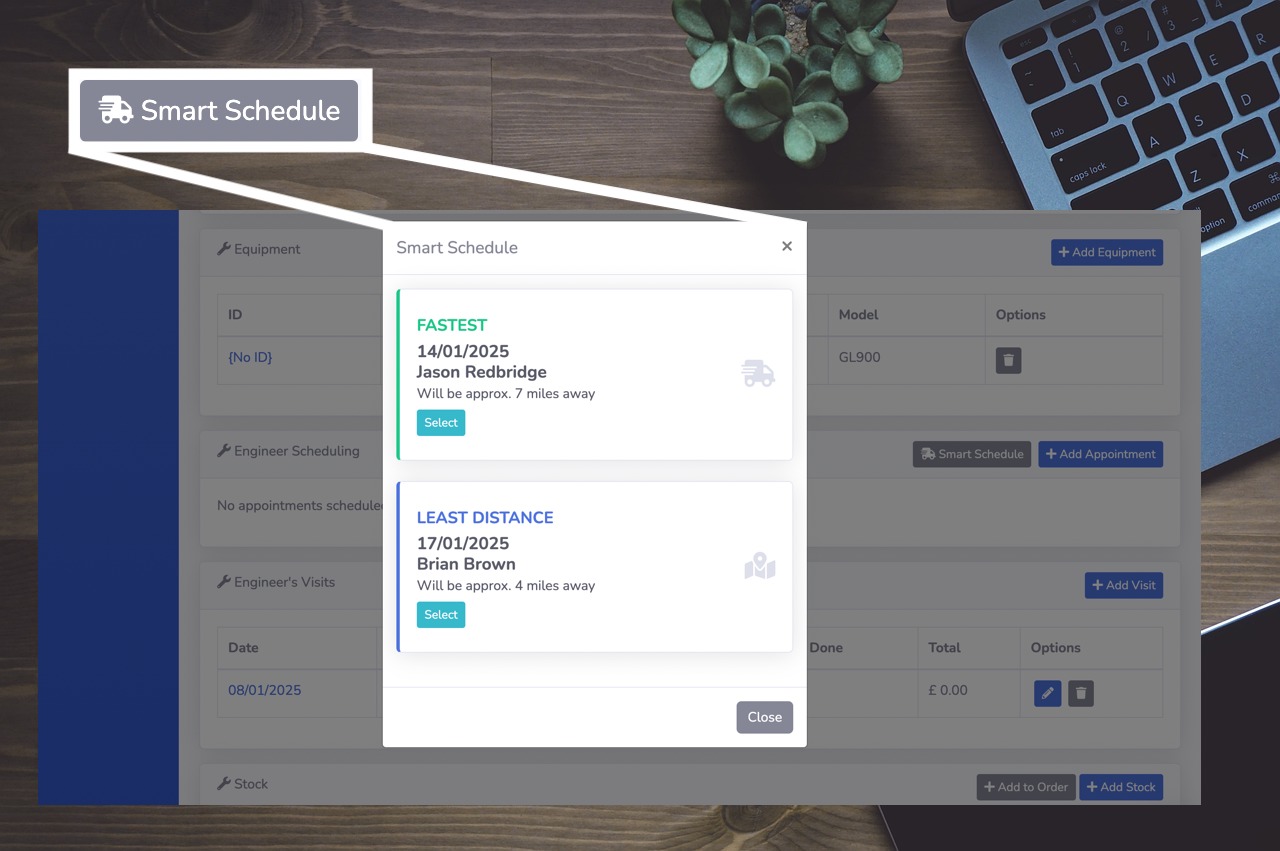
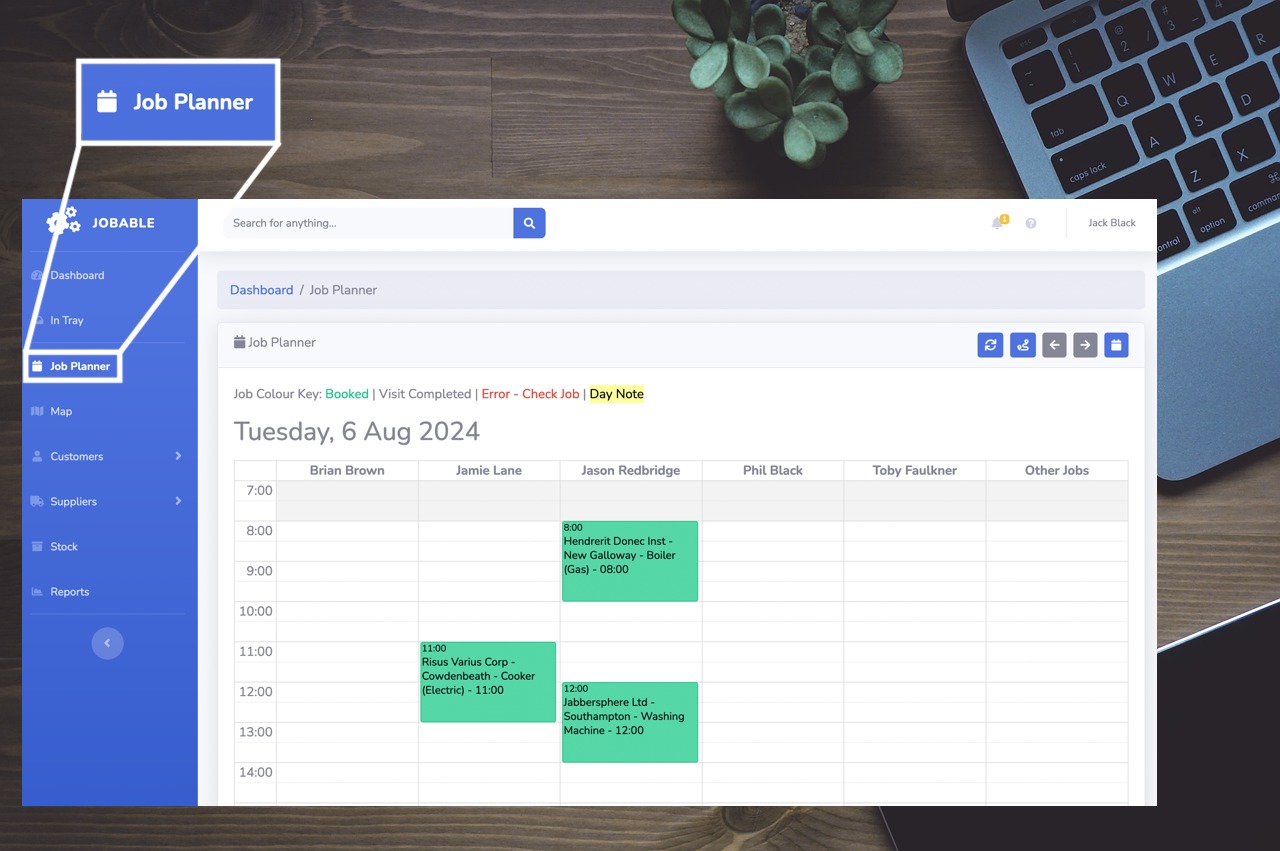
Jobable helps your team allocate the right engineer and schedule the appointment.
The engineer receives the job through the Mobile App and records the work carried out.
Your office receives the completed information and can review the job.
The completed job can be progressed through Jobable's invoicing workflow.
Relevant customer and invoice information can be transferred through to your QuickBooks account.
Your accounts team can continue managing your financial records within QuickBooks.
The result is a more connected workflow with less unnecessary administration.
Book Demo
Jobable's QuickBooks integration is designed for businesses where engineers carry out work at customer locations.
It's suitable for businesses including:
Whether you operate with one engineer or a larger field team, reducing repetitive administration can make a significant difference.
The QuickBooks integration works alongside Jobable's wider field service management functionality.
Plan engineer visits efficiently and help reduce unnecessary travel.
Give engineers access to jobs, customer information and digital job sheets from the field.
Allow customers to book visits, track job progress, view quotations and invoices, and make payments online.
Manage recurring service visits and planned maintenance contracts.
Explore Preventative Maintenance
Gain visibility into jobs, engineer workloads and operational performance.
Together, these features help connect the complete field service operation from initial booking through to completed work and invoicing.
Your field service software and accounting software have different roles.
Jobable manages your customers, jobs, engineers and field operation.
QuickBooks manages your accounting.
You shouldn't have to spend hours manually copying information between the two.
By connecting Jobable and QuickBooks, you can create a more streamlined workflow and reduce the amount of repetitive administration required by your team.
Every hour spent manually entering information is time that could be spent running your business.
Jobable's QuickBooks integration helps reduce the administrative workload associated with moving information from your field service operation into your accounts process.
This can mean less time spent:
And more time focused on your customers, engineers and business.
Book Demo
What does the Jobable QuickBooks integration do?
Jobable's QuickBooks integration connects your field service operation with your QuickBooks accounting system, helping streamline the movement of relevant customer and invoicing information between the two platforms.
Can Jobable send invoices to QuickBooks?
Yes. Jobable can connect your field service invoicing process with QuickBooks, helping reduce the need to manually recreate invoice information within your accounting system.
Does the QuickBooks integration reduce data entry?
Yes. The integration is designed to reduce repetitive manual entry by allowing relevant information to flow between Jobable and QuickBooks.
Is Jobable suitable for small businesses using QuickBooks?
Yes. Jobable is designed for field service businesses of different sizes, from independent engineers and small trade businesses through to larger field service organisations.
Can Jobable manage jobs as well as invoices?
Yes. Jobable is a complete field service management platform covering customers, jobs, scheduling, engineers, mobile job sheets, quotations, maintenance, invoicing and reporting. QuickBooks can then handle the accounting side of your operation.
Can Jobable integrate with Xero?
Yes. In addition to QuickBooks, Jobable also provides Xero Integration.
Book DemoYour engineers are out in the field.
Your office is managing customers and jobs.
Your accounts team is managing the finances.
Jobable's QuickBooks integration helps connect these processes together.
Reduce repetitive administration.
Streamline your invoicing workflow.
Keep customer information connected.
Spend more time running your business and less time entering data.
Book a personalised demonstration and discover how Jobable can simplify your field service operation.
Book Demo